
How To Swap
Swapping on Lithos works like any other AMM, but runs on Plasma for faster and cheaper transactions.
Step-by-Step Guide
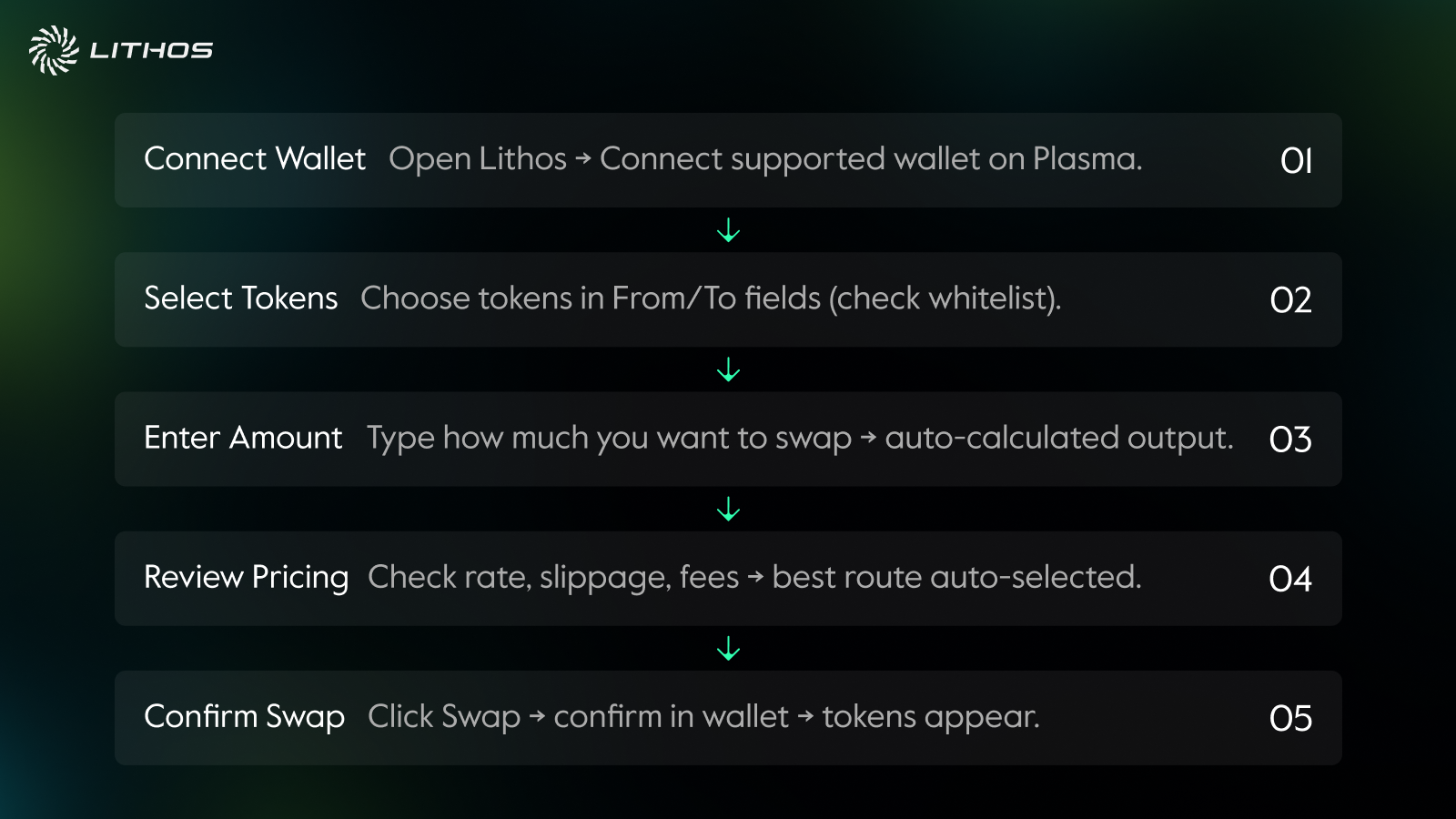
1. Connect Wallet
- Open the Lithos app and connect a supported wallet.
- Ensure your wallet is connected to the Plasma network.
2. Select Tokens
- Choose the token you want to swap from the “From” field.
- Choose the token you want to receive in the “To” field.
- If you cannot find your token, make sure it is whitelisted (see Token Whitelisting).
3. Enter Amount
- Type the amount of the token you want to swap.
- The interface will automatically calculate how much of the other token you will receive, including fees.
4. Review Pricing
- Check the exchange rate, slippage tolerance, and fees.
- Lithos routes trades through the most efficient pools, ensuring you get the best available price.
5. Confirm Swap
- Click Swap and confirm the transaction in your wallet.
- Once confirmed on-chain, your new tokens will appear in your wallet balance.
Things to Know
- Stable pools are best for pairs like USDT/USDC, where prices don’t move much.
- Volatile pools are for pairs like LITH/XPL, where price discovery happens.
- Fees depend on the pool type. Stable pairs usually have lower fees, volatile pairs higher.
- USDT swaps don’t require gas on Plasma.